
What you can save
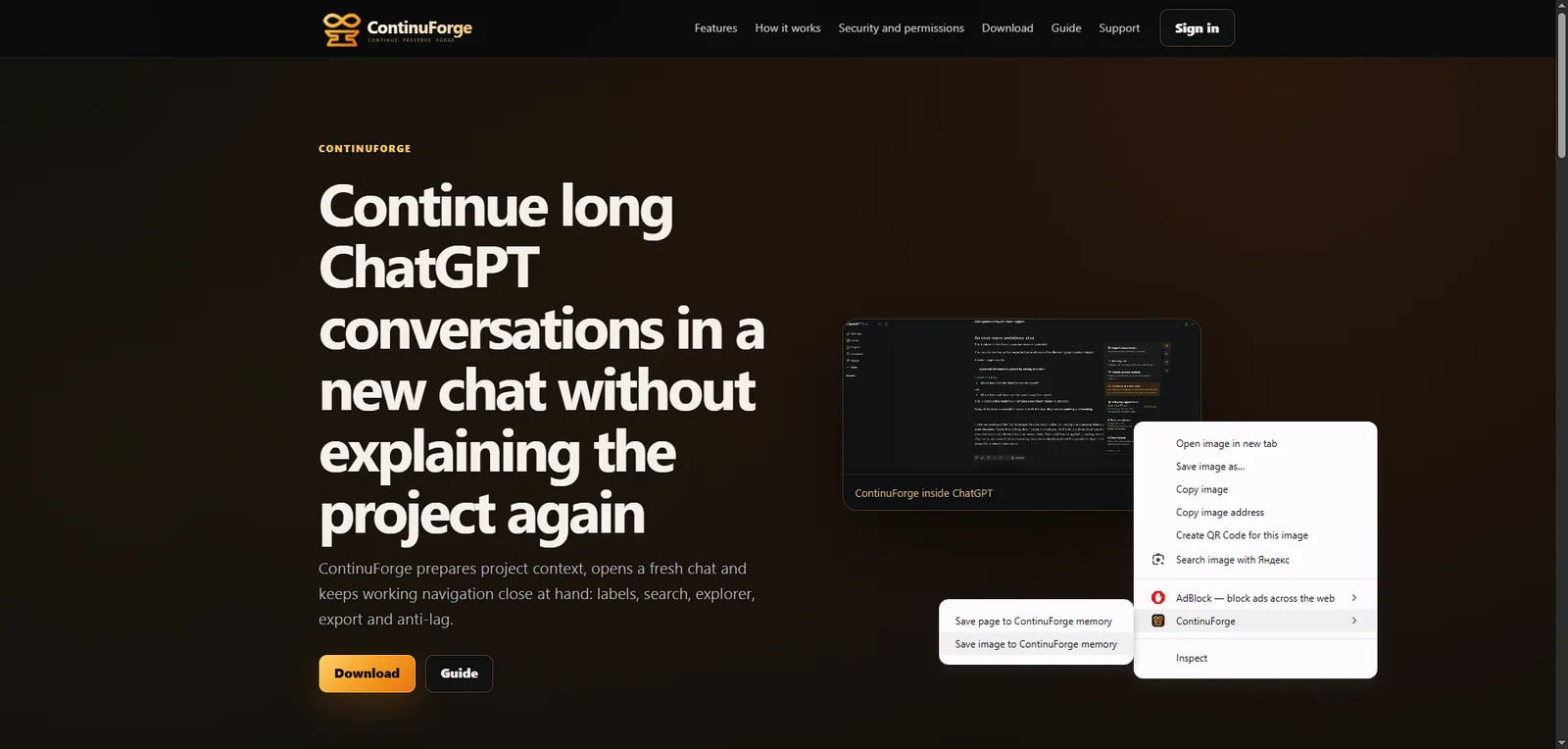
- Selected text with the source URL and page title.
- A page snapshot for later reference.
- An image from the page.
Where you can send it
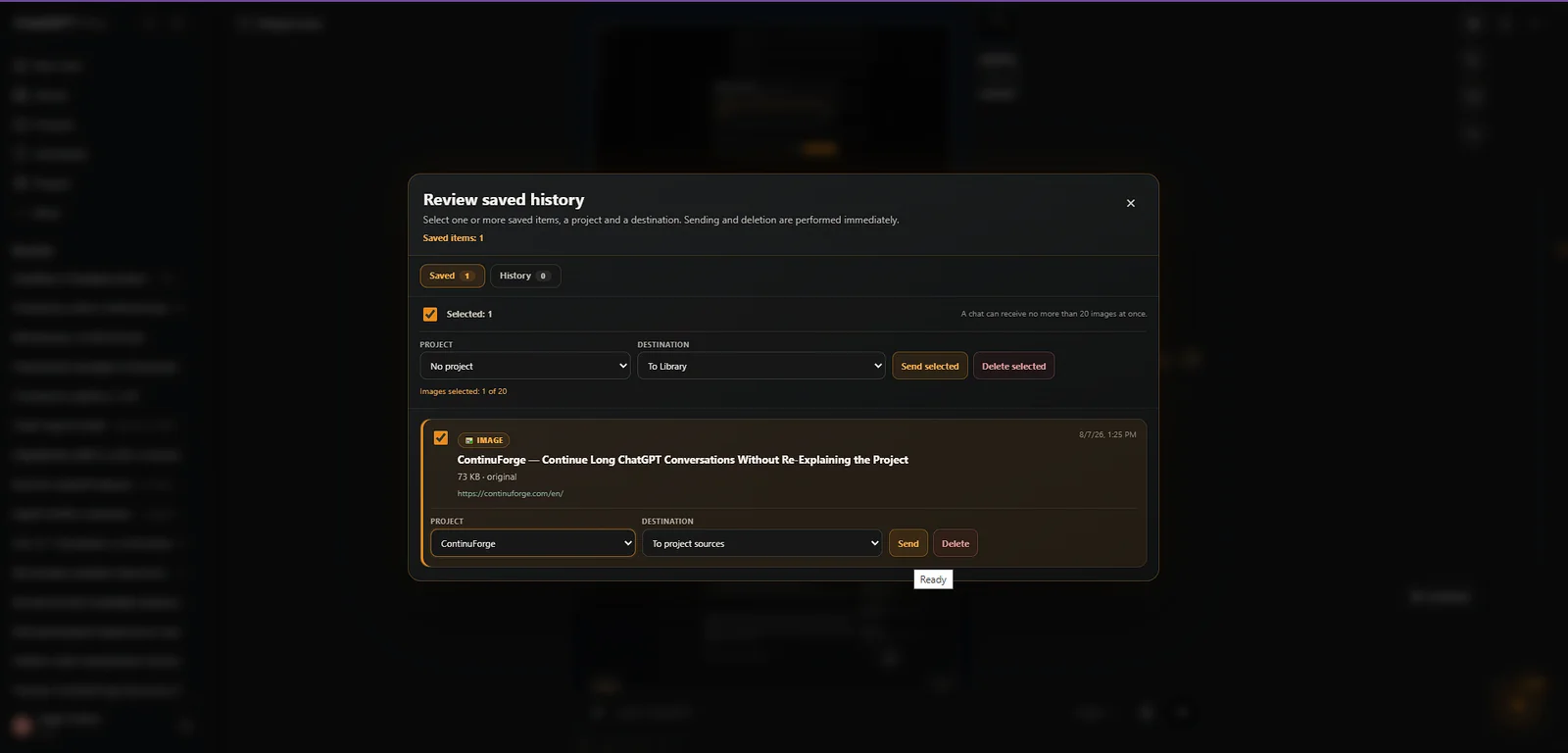
Depending on the selected route, saved items can be sent to ChatGPT Library, project sources, a new chat, a new project chat, or an existing available chat.
Memory Core stays Free
Saving selected text, pages and images, reviewing saved items, selecting them and using the existing Memory destinations remain part of Free.
Build Memory Document — Pro
Build Memory Document combines selected Memory text, saved pages and images so they can be sent together to the selected destination. After a confirmed send, the selected items move from Saved to Sent while remaining stored locally.
Local first
Saved Memory items are kept locally by the extension. ContinuForge does not upload their contents to ContinuForge servers. When you explicitly send an item to ChatGPT, the selected material is transferred to ChatGPT/OpenAI as part of that user-requested action.