
Continue in a new chat
Prepare the current project context and continue in a fresh conversation with one action.
New chat. Same work.
Continue long-running work in a fresh ChatGPT conversation with prepared context. Save selected web material to ContinuForge Memory, review it later, and bring the selected material into ChatGPT when it is useful.
Available on the Chrome Web Store
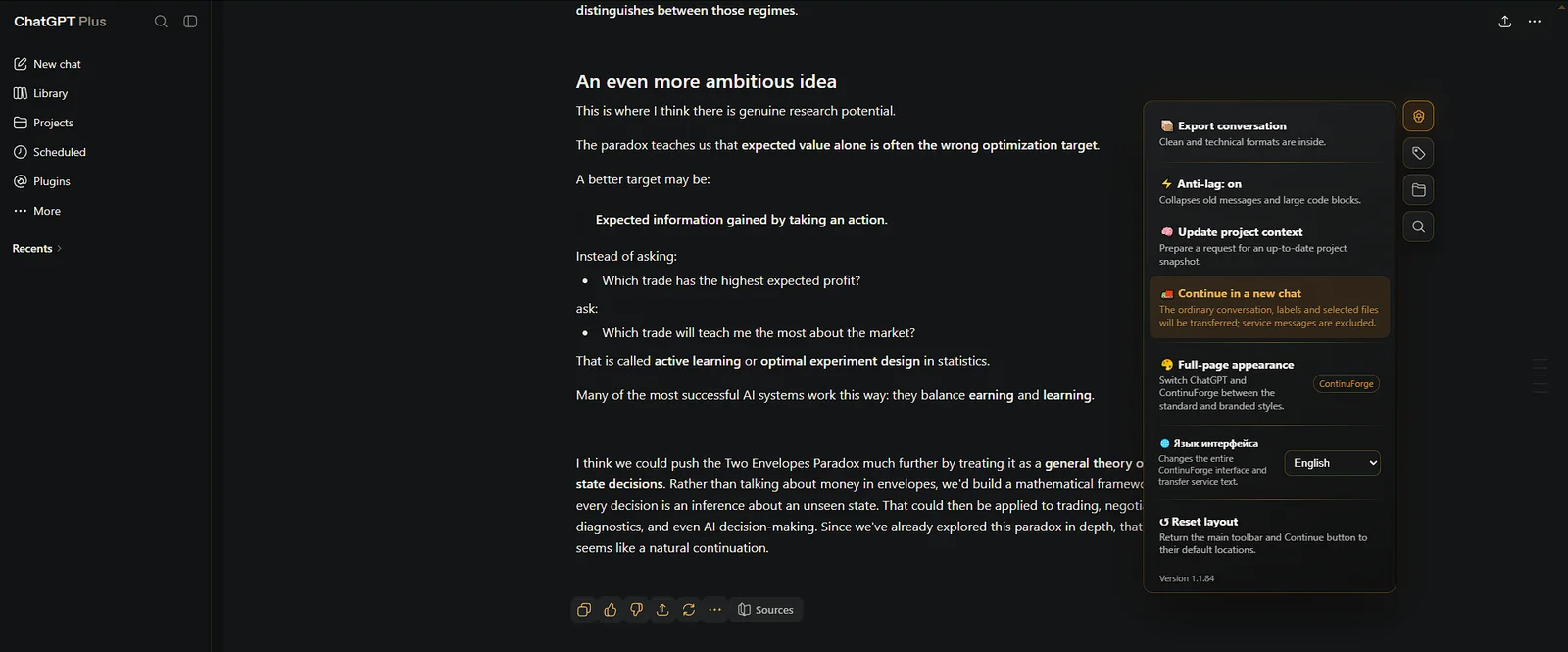
ContinuForge prepares the working context and opens the next conversation so you can continue from the current state instead of writing another long recap.
Prepare the current project context and continue in a fresh conversation with one action.
Refresh the project state without moving chats.
Use labels, search, explorer, export and anti-lag while the project grows.
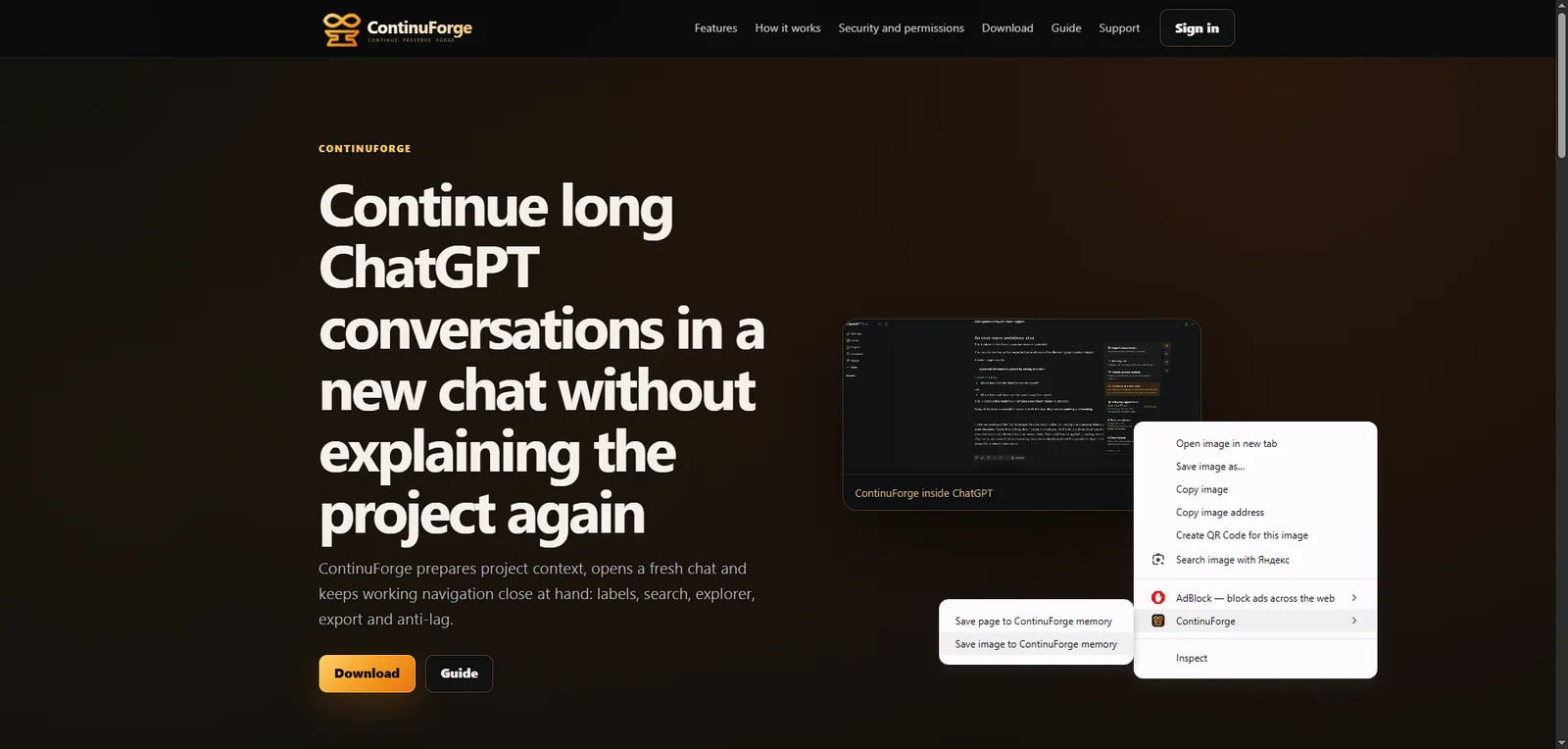
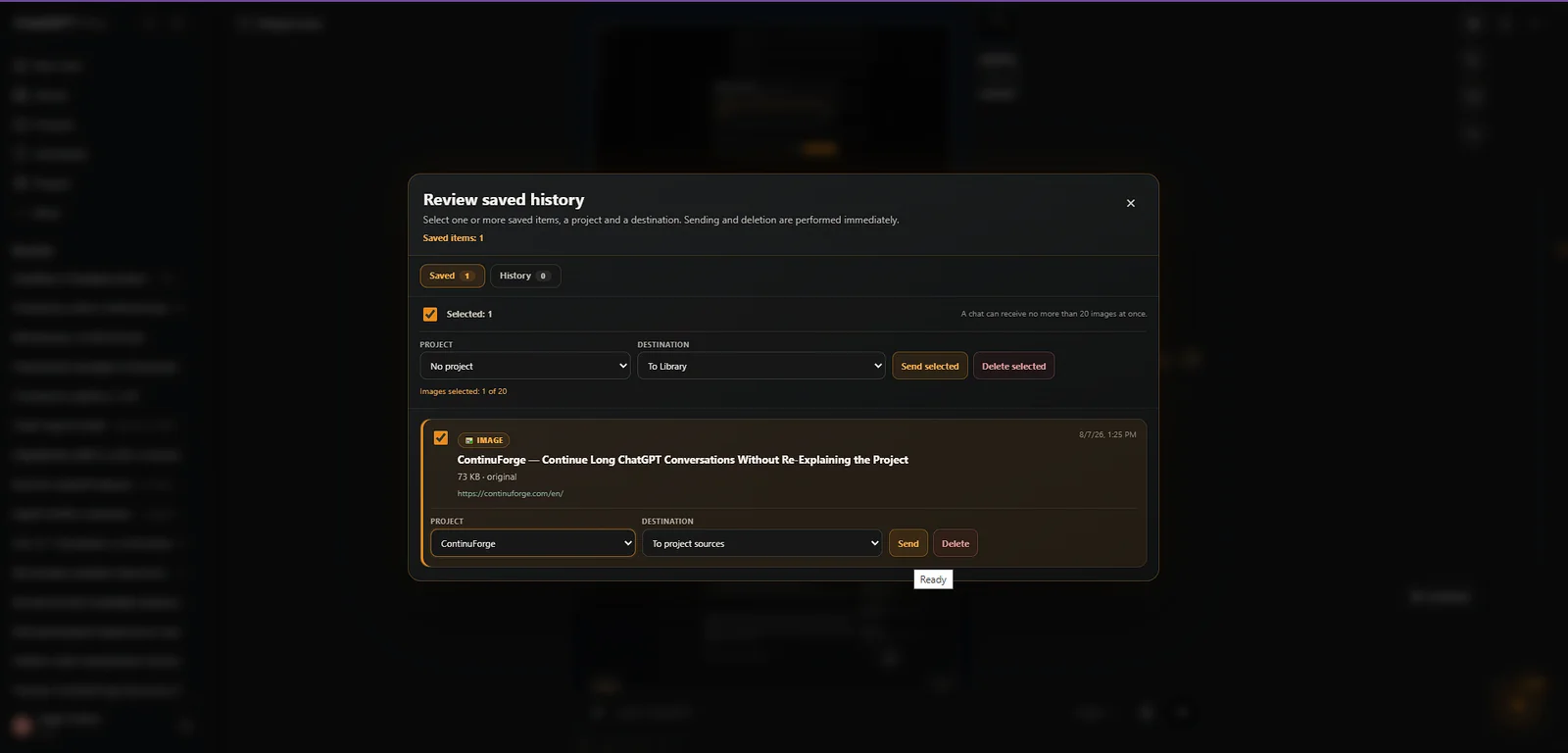
Save selected text, pages and images from the web → Review Memory → bring selected material into ChatGPT.
Pro is $9/month. The settlement amount and available payment methods are shown before payment confirmation.
Pro payment details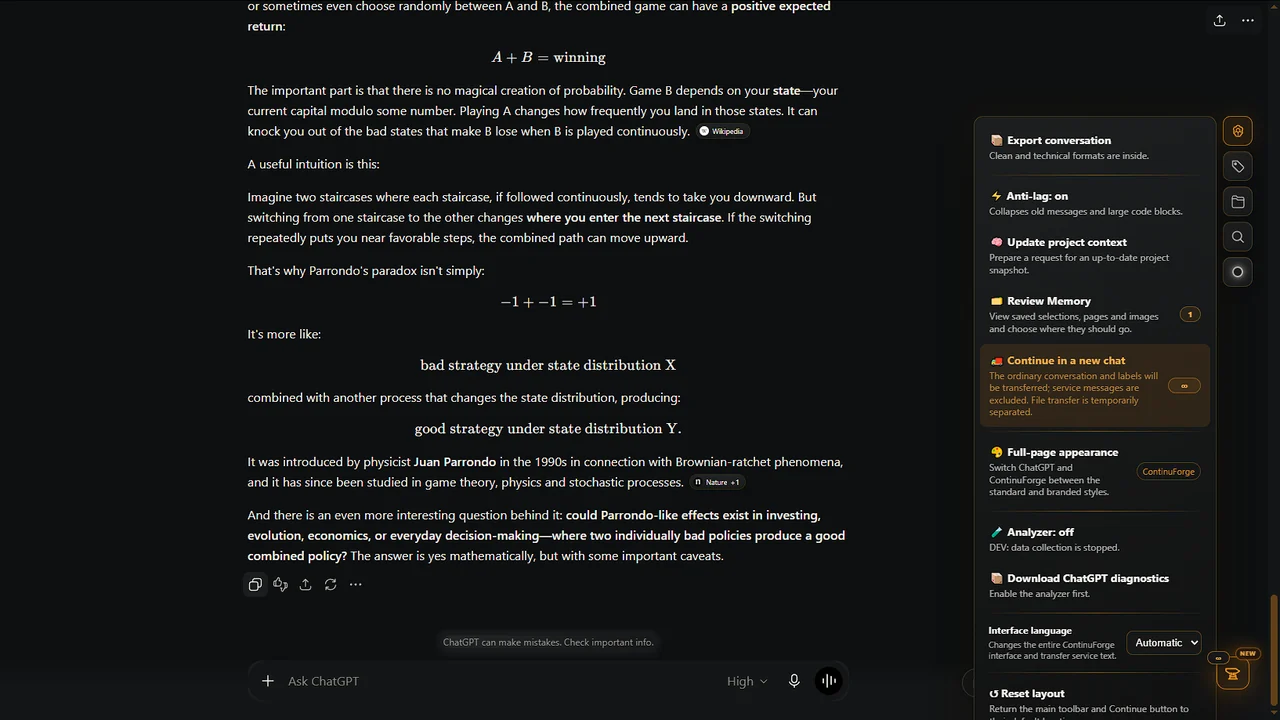
Practical ways to continue long-running work in a fresh ChatGPT conversation without rebuilding the project from scratch.
Read guide →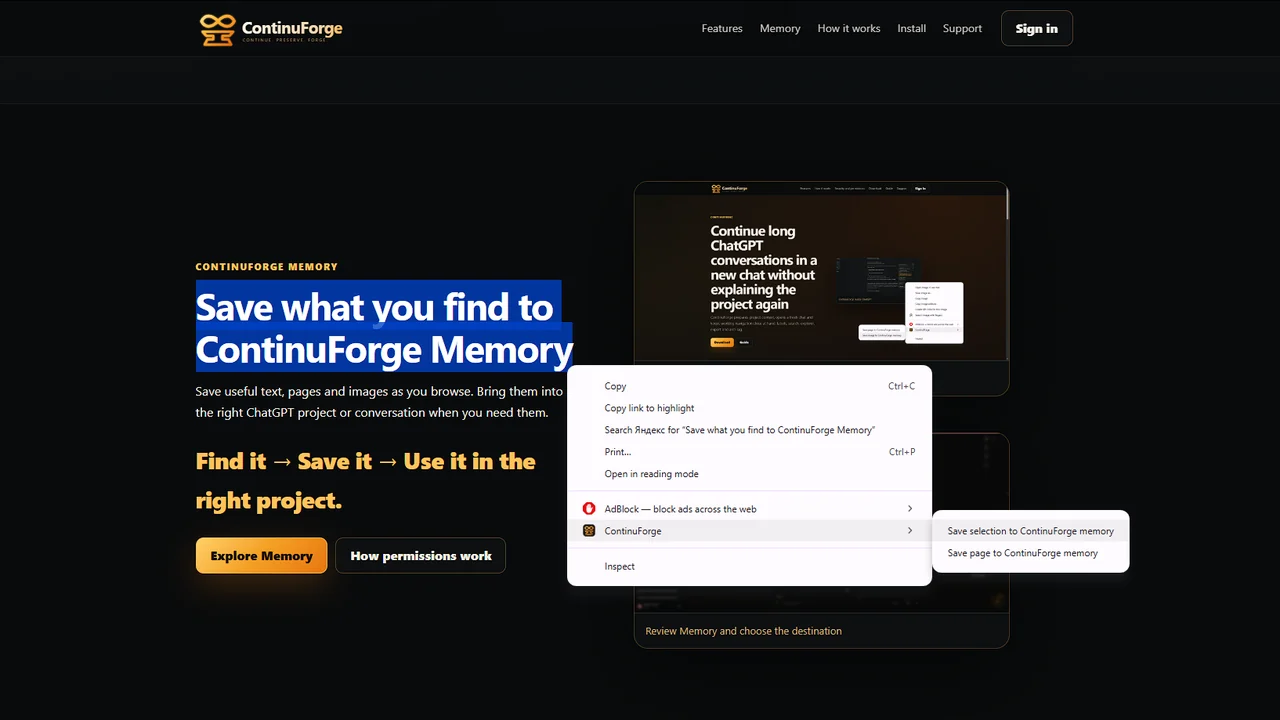
Capture useful web material with ContinuForge Memory, review it later and route it into the right ChatGPT workflow.
Read guide →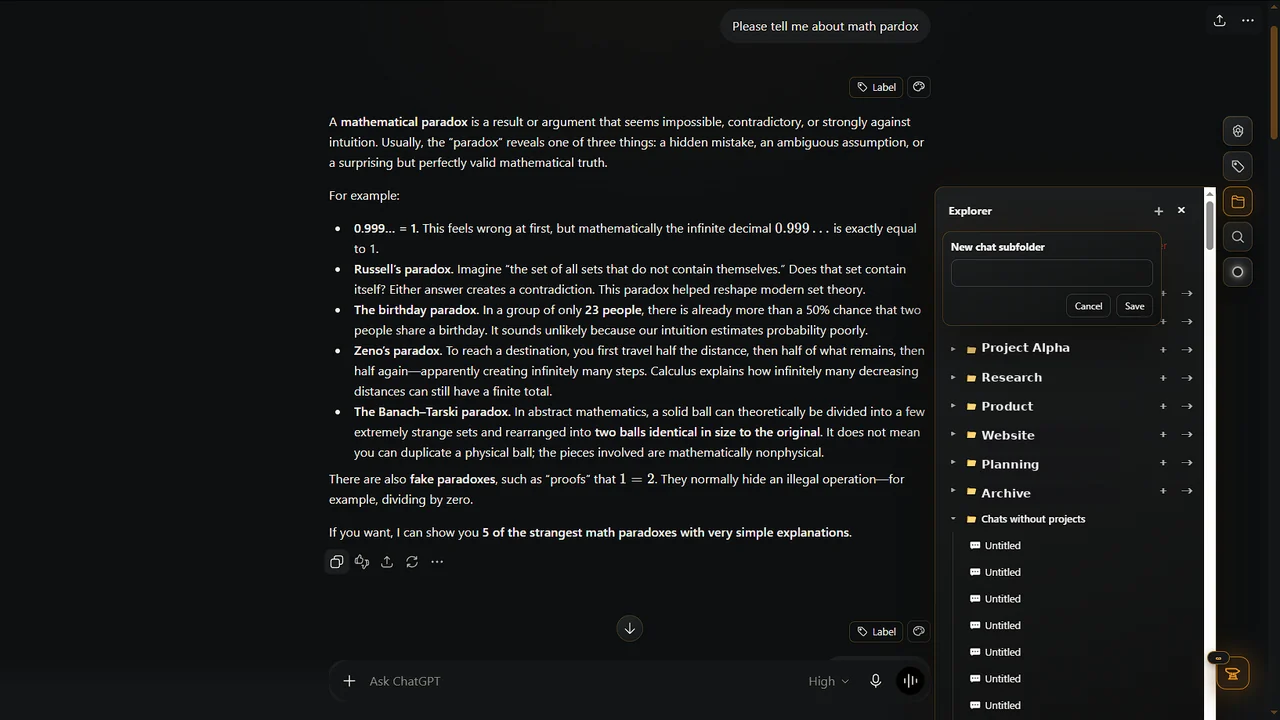
A practical system using Projects, search, clear names, archiving, labels and fresh conversations for long-running work.
Read guide →ContinuForge is available in the official Chrome Web Store. Manual installation remains available as a secondary option.