
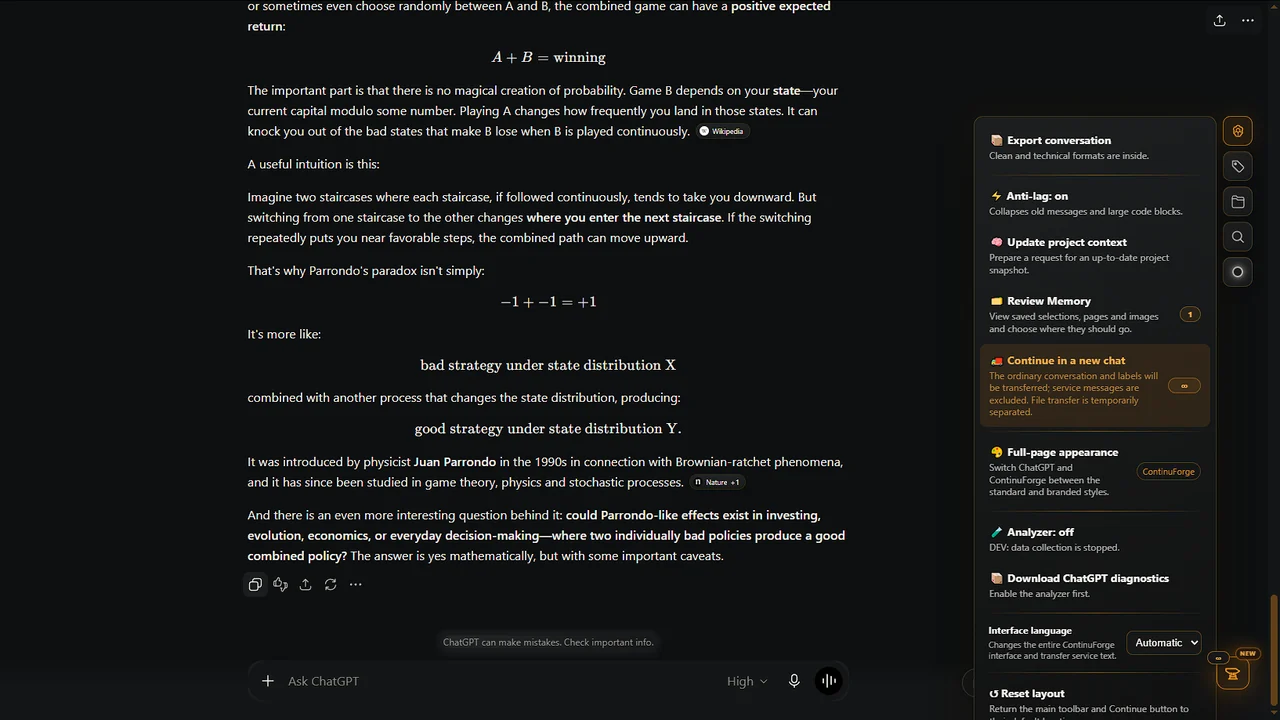
How to Continue a Long ChatGPT Conversation Without Losing Context
Practical ways to continue long-running work in a fresh ChatGPT conversation without rebuilding the project from scratch.
Read guide →Practical articles for people who use ChatGPT as a long-running workspace: continue large conversations, find old history, organize many chats and save useful web material for later.
Practical ways to continue long-running work in a fresh ChatGPT conversation without rebuilding the project from scratch.
Read guide →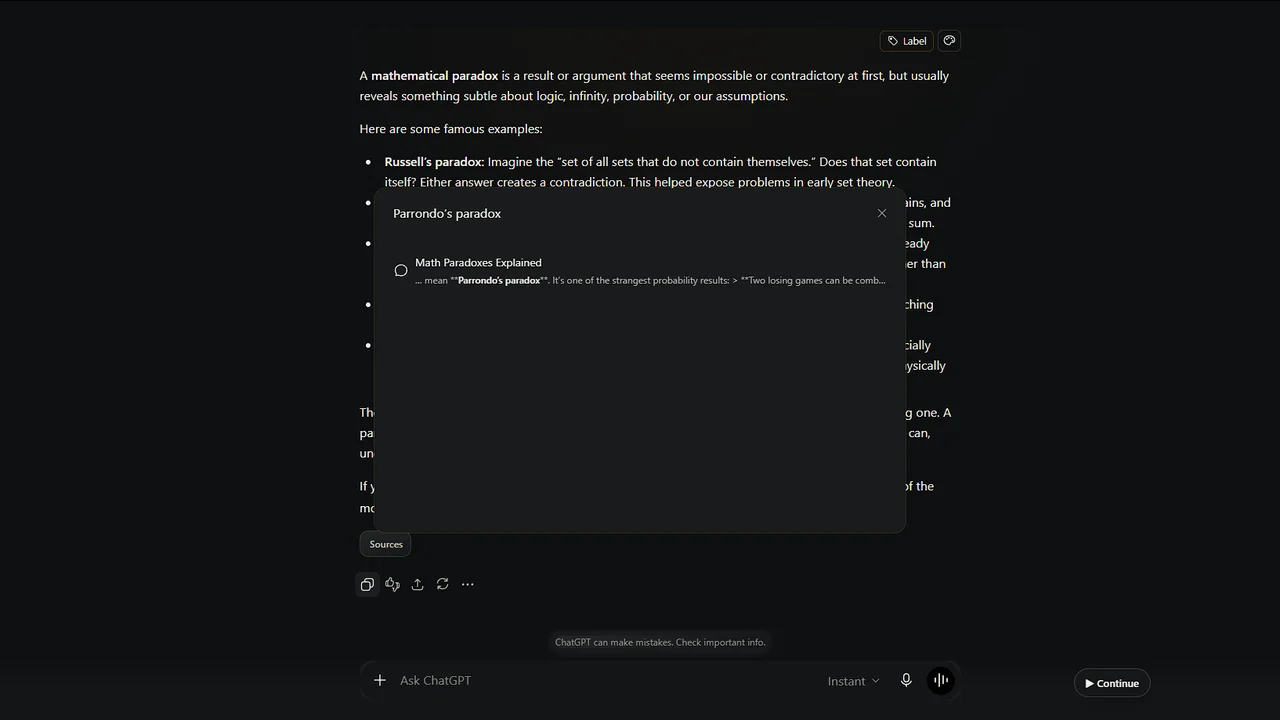
Use ChatGPT Search, archived chats and Projects to find older conversations and understand what may still be available.
Read guide →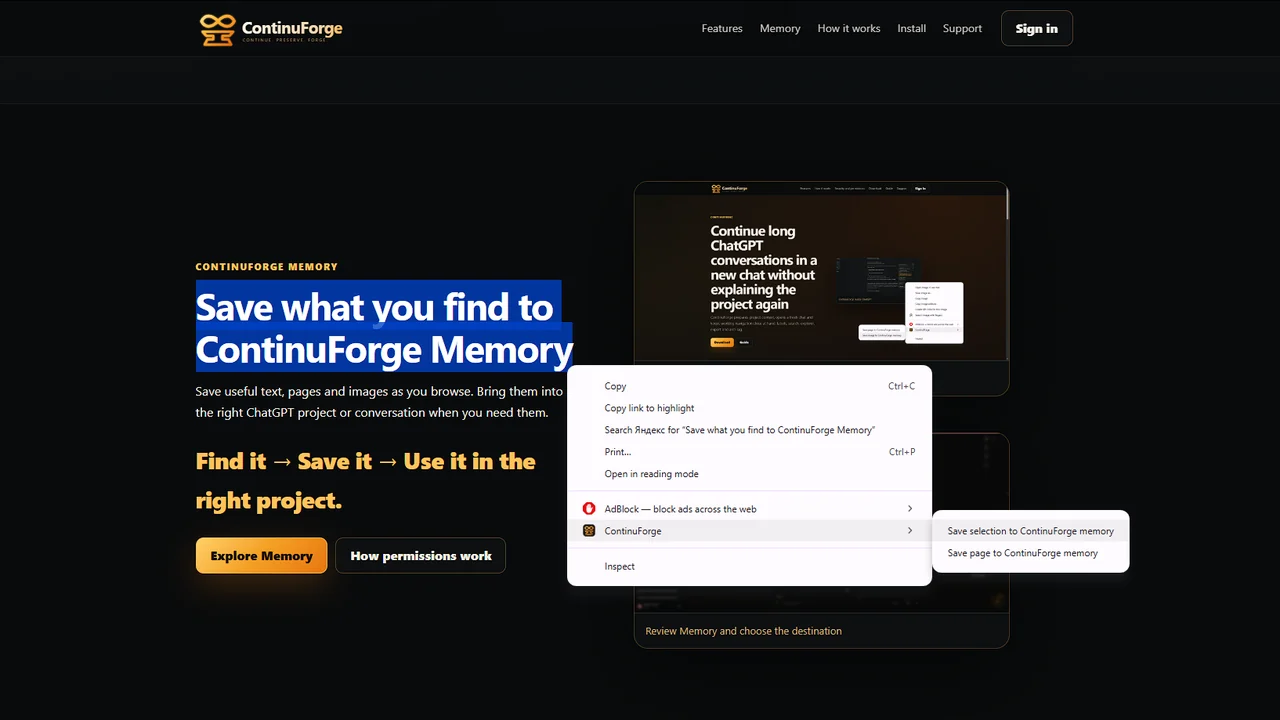
Capture useful web material with ContinuForge Memory, review it later and route it into the right ChatGPT workflow.
Read guide →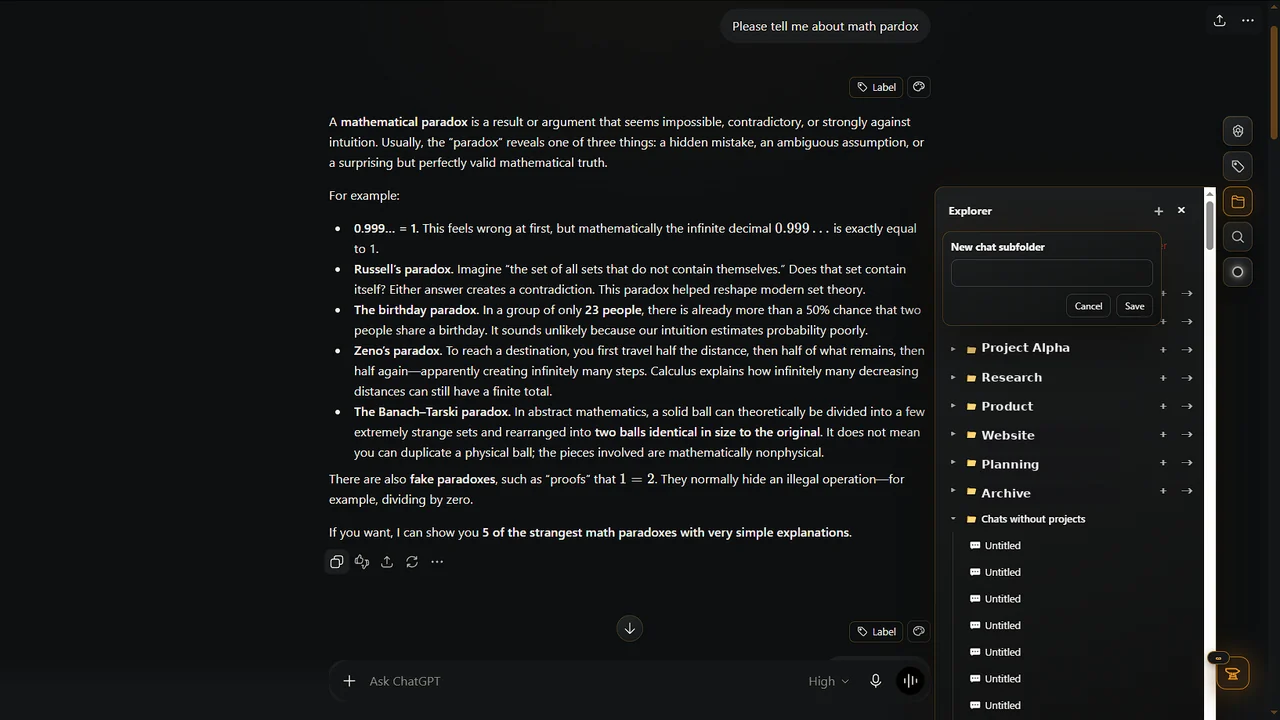
A practical system using Projects, search, clear names, archiving, labels and fresh conversations for long-running work.
Read guide →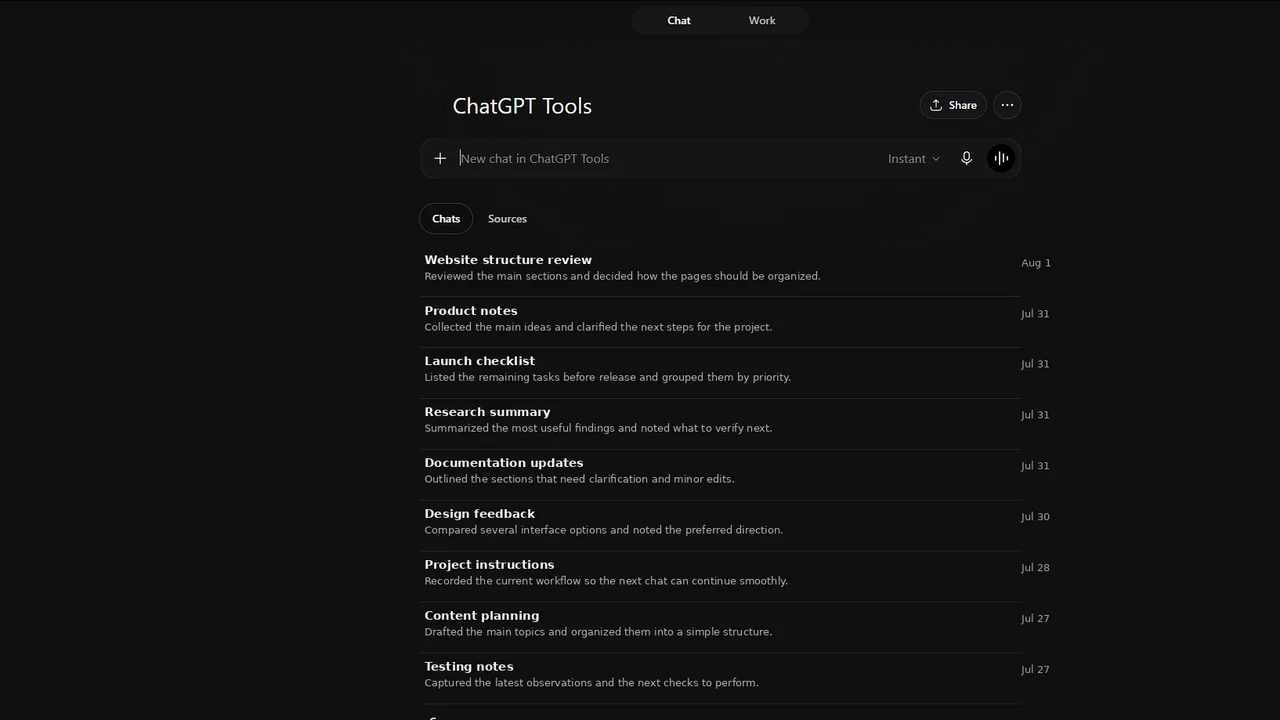
Understand what ChatGPT Memory, Projects and ContinuForge Memory each do and when each workflow is useful.
Read guide →Use the official Chrome Web Store listing for the recommended installation path.